
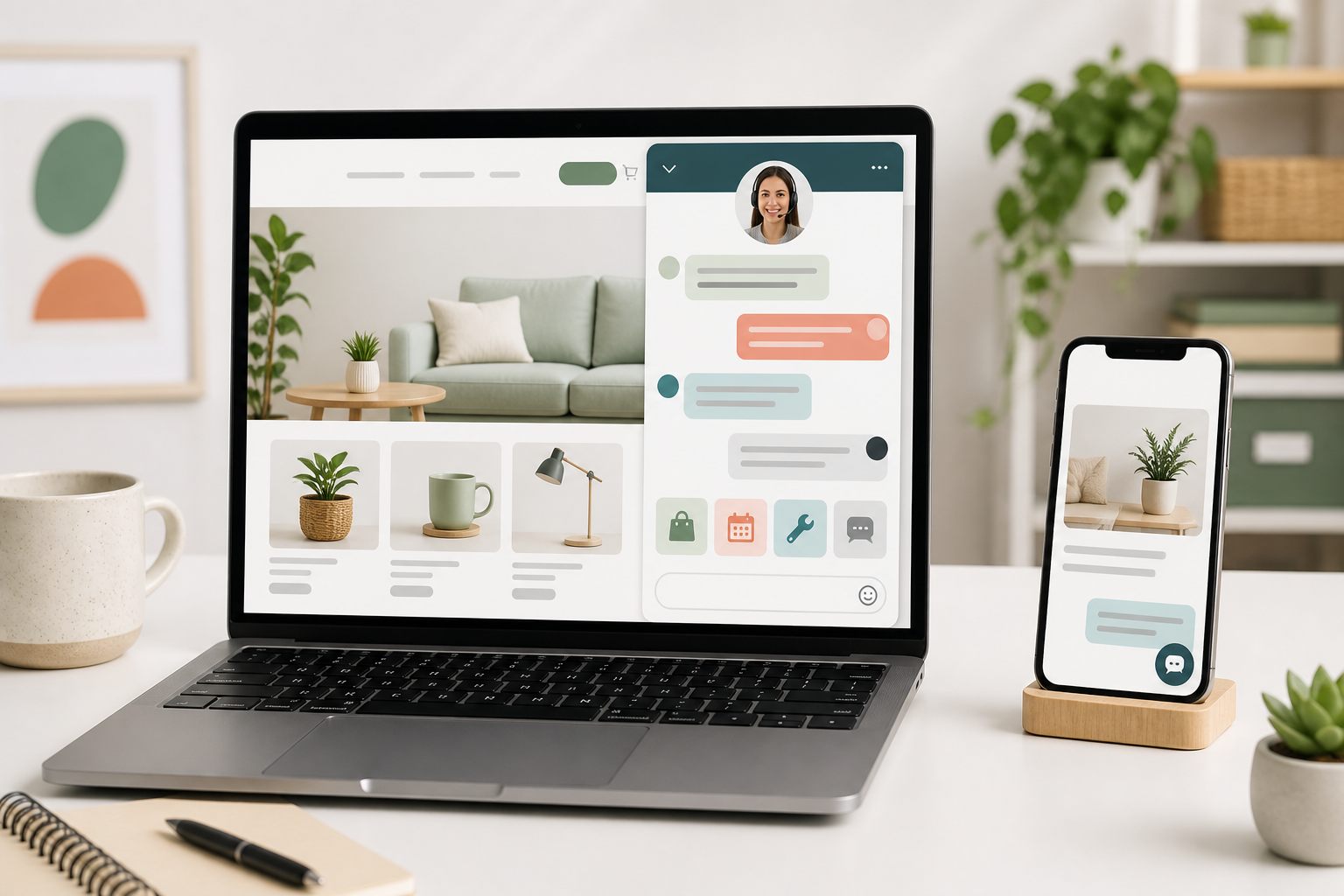
Start by naming where the message appears
A closed launcher label might have room for only one or two words. The open panel title identifies the support channel. A human greeting starts after the visitor opens chat or sends a message. Message mode must explain that the reply will come later. An AI reply begins only after the visitor asks something and should make the automated role and its limits understandable.
Do not write one paragraph and paste it into every surface. The visitor has a different question at each point: What does this button do? Who is answering? Can someone help now? What information should I leave? What happens next? Each piece of copy should answer the question closest to it.
Yapdesk lets each connected website use its own widget title, launcher label, mobile launcher choice, message-mode launcher text, and message explanation. Core live chat and message mode are free with Yapdesk branding. AI-only and Hybrid AI + Agent replies, website context, and AI Brain File text are Pro AI features.
A simple formula for a useful greeting
Use three parts when the surface has room: the available help, one relevant question, and an honest expectation. For example: I can help with sizing and delivery questions. Which product are you considering? The visitor immediately knows the scope and the next action.
Write for the visitor's task, not the company's organization chart. Digital.gov's current plain-language guidance recommends learning from real user questions, focusing on what the reader wants to know, using familiar language, and cutting unnecessary words. A greeting should sound like the business, but brand voice should not hide the instruction.
Keep labels descriptive. W3C guidance for WCAG 2.2 says labels should describe the topic or purpose and notes that they do not need to be long. Chat is clearer than Let's Connect when the control opens chat; Send a message is clearer than Reach Out when the team will reply later.
- Scope: what this chat can help with
- Prompt: the one detail that moves the conversation forward
- Expectation: live response, later follow-up, AI reply, or human escalation
Sources: Digital.gov: Write for the reader · Digital.gov: Keep wording short and simple · W3C: Understanding descriptive headings and labels
Examples 1-4: short live chat launcher labels
The launcher is a control, not a sales headline. Use a familiar verb or noun that describes what opens. Keep the mobile version especially short so it does not cover navigation, checkout actions, consent controls, or accessibility tools.
- 1. Chat with us
- 2. Get support
- 3. Ask a question
- 4. Product help
Examples 5-8: first replies from a human agent
A human greeting should confirm that someone read the visitor's message. Avoid making the person restate details already visible in the thread. Use their name only when they supplied it and the usage feels natural.
The strongest first reply either answers the question or asks the one missing detail needed to answer it. Hello, how may I assist? is polite but adds work when the visitor already asked about delivery, sizing, or an appointment.
- 5. Hi. I can help with that delivery question. Which postal code should I check?
- 6. Hi Maya. I see you are comparing the two sizes. What space are you fitting?
- 7. Thanks for the details. I am checking the current return steps and will be back here in about two minutes.
- 8. I can explain the published warranty and help route the claim. Which product model do you have?
Examples 9-12: store and WooCommerce conversations
Store greetings should support the page without pretending the chat knows the cart, order, inventory, or payment state. Yapdesk works as a widget on WooCommerce storefront pages but does not claim a direct WooCommerce data integration. A human agent may check an authorized store system separately; the widget itself does not supply private order data.
Use the product name or page context only when it is actually available to the agent or approved AI context. Never manufacture low-stock warnings, visitor counts, expiring discounts, or checkout urgency.
- 9. Need help comparing sizes or materials? Tell us which item you are viewing.
- 10. I can help with delivery areas and the published shipping process. What is your destination postal code?
- 11. Have a fit or compatibility question? Share the product and the model you need it to work with.
- 12. For order-specific help, share the order reference and the email used at checkout. Do not send payment-card details in chat.
Sources: Yapdesk guide: WooCommerce live chat
Examples 13-16: service, booking, and local business greetings
A service greeting works best when it asks for the detail that changes the route: location, service type, date range, or property type. Do not collect a full intake form before confirming that the business can help.
Avoid promising a booking or arrival time unless an agent has verified it in the authorized schedule. The chat can collect a request and explain the process without presenting a request as a confirmed appointment.
- 13. I can help check whether we serve your area. Which city or postal code is the property in?
- 14. Looking for an appointment? Tell us the service and preferred day, and we will check availability.
- 15. Planning a stay? Share your dates and number of guests so we can point you to the right option.
- 16. Need a quote? Start with the service type and project location. A team member will confirm what else is needed.
Examples 17-20: honest message-mode greetings
Message mode should not look like live coverage. Say that the team is away, identify what information will make the follow-up useful, and give a response window only when the business can keep it. A precise next-business-day promise is better than soon when it is true; no timing is better than a promise nobody owns.
Yapdesk's free message mode lets visitors leave details for follow-up. Pro and Pro AI can schedule status and mode by business hours, while Free lets the owner switch between Chat Active, Message, and Chat Off manually.
- 17. We are away right now. Leave your question and email, and we will reply during business hours.
- 18. Need product help? Send the item name, your question, and the best email for a reply.
- 19. Leave your service request and location. Our team reviews new messages when we open at 9 a.m.
- 20. For order help, include the order reference and issue. Do not include passwords or payment-card details.
Examples 21-24: responsible Pro AI and hybrid openings
An AI opening should not pretend to be a human agent. It should define the approved scope and offer a human route when the request needs judgment, private data, or an action. These examples are first replies after a visitor sends a question, not claims that Yapdesk automatically pushes page-specific pop-ups.
Train and test the assistant on the exact business information behind the greeting. If it offers help with returns, the approved return policy must be current. If it offers product guidance, test vague products, variations, exceptions, and direct requests for a person.
- 21. I am the automated support assistant. I can help with our published services, hours, and policies. What would you like to know?
- 22. I can answer questions from this website. For account-specific help or a decision, I will direct you to a person.
- 23. I can help compare the published product details. Tell me what matters most, such as size, material, or intended use.
- 24. I can begin with common questions, and a human agent can take over when available. What are you trying to complete today?
Welcome messages to avoid
Remove greetings that are vague, manipulative, or impossible to honor. We are always here is inaccurate when nobody monitors the inbox. An agent is waiting for you is deceptive when no agent is assigned. Only two left and this offer ends soon should never appear unless the information is real, current, and supported by the business's actual systems.
The FTC's dark-pattern report identifies false activity messages, false scarcity, and baseless urgency as deceptive design practices. A chat greeting should help a visitor decide what to do, not pressure them with invented social proof or a resetting countdown.
Also avoid collecting excessive information before the visitor knows whether chat can help. Ask one useful question, explain why sensitive details are needed, and send payment or authentication back to the approved secure process.
- Avoid: Hey there! Let's connect and unlock your amazing journey!
- Avoid: An expert is waiting right now, when no agent is assigned
- Avoid: Twenty shoppers are asking about this item, unless that claim is verified
- Avoid: Enter your full details before you can ask a basic question
A 20-minute welcome-message test
Choose one connected website and test the complete public flow. The goal is not to select the cleverest line; it is to make the support route understandable at every state.
- Write down the five questions visitors ask most often on that website.
- Choose a launcher label that accurately describes the action.
- Set a short panel title that identifies the business or support purpose.
- Prepare one first human reply that uses the visitor's existing context.
- Write separate message-mode copy with an honest follow-up expectation.
- If Pro AI is enabled, define its scope, automated role, safe failure, and human route.
- Preview the settings, save them, and test the public site while signed out.
- Check desktop, mobile, keyboard navigation, long words, and nearby page controls.
- Send one real test message in every enabled mode and confirm it reaches the correct inbox.
- Review early conversations and replace greetings that produce repeated clarification.
Start with free live chat
Add Yapdesk to WordPress, answer visitors from one inbox, and use message mode when your team is away. Pro AI is available when you want an AI assistant trained on your business.