
The short answer: support the buying journey, not just the homepage
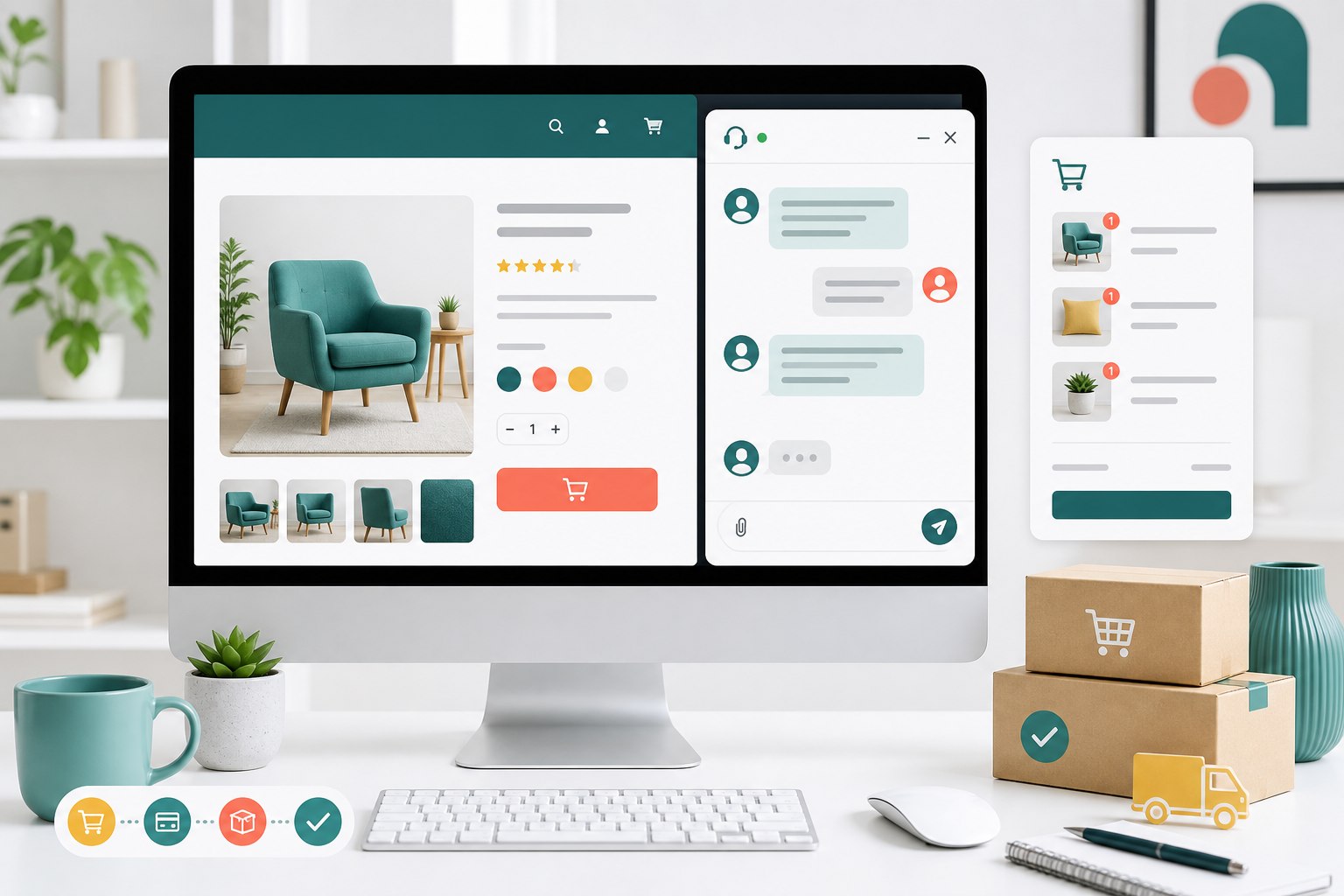
A WooCommerce live chat widget should be available where customer uncertainty appears: while browsing products, reviewing the cart, completing checkout, and checking an existing order. The launcher can remain consistent across the store, but the questions and the right response change from page to page.
WooCommerce normally uses distinct Shop, Cart, Checkout, and My Account pages. The Shop page presents products, Cart reviews selected items, Checkout collects shipping and payment choices, and My Account gives registered customers access to orders and account details. Treat those as four different support moments rather than one generic conversation.
Yapdesk works as a website chat widget on WooCommerce storefront pages; it is not a direct WooCommerce data integration. An agent can answer from the Yapdesk inbox, while message mode collects a follow-up when nobody is live. This distinction matters because agents should confirm store data in WooCommerce before promising inventory, delivery, refunds, or order changes.
Sources: WooCommerce Pages documentation
Prepare for product and Shop page questions
Product questions usually arrive before the shopper has committed to a specific choice. They may be comparing sizes, materials, compatibility, colors, service areas, lead times, or what is included. The fastest useful reply is grounded in the product page and then clarifies the one detail that changes the answer.
Give agents a compact reference for your most-viewed products. Include variation rules, measurements, warranty boundaries, delivery limits, and the location of any supporting chart or policy. If the answer depends on a variation the visitor has not selected, ask for that variation before confirming anything.
Chat should reveal missing product content, too. If five people ask whether an item includes a cable, add that answer to the product page. The support conversation solves today's uncertainty; the page improvement prevents the same uncertainty for future shoppers.
- Answer the product question before asking for contact information
- Link to the exact size chart, compatibility note, or policy page
- State when stock or delivery must be confirmed in the store system
- Record repeated questions as candidates for better product copy
- Avoid saying an item is suitable for a regulated or safety-critical use unless approved information supports it
Use cart chat to resolve the final comparison
The Cart page shows the items, quantities, prices, and discounts a customer intends to purchase. At this stage, questions tend to be narrower: whether two products work together, why a promotion did not apply, whether the quantity is correct, or what shipping may cost.
Do not make the visitor rebuild the cart in the conversation. Ask for the smallest piece of information needed, such as the coupon name or destination region, and explain where the relevant total appears. If the issue requires account or order access, move to a verified support process instead of collecting sensitive details in chat.
Test the launcher at common phone widths. It must not cover quantity controls, remove-item actions, the coupon area, totals, or the button that continues to checkout. Open and close the chat, rotate the device if practical, and confirm that the cart still scrolls and updates normally.
Keep checkout support calm and secure
Checkout is the wrong place for a large greeting, an automatic pop-up, or a launcher that overlaps required fields. The shopper is trying to finish. Keep the chat available but visually quiet, and make sure it does not shift the checkout layout when it opens.
Useful checkout replies explain shipping regions, delivery estimates, tax presentation, accepted payment methods, address formatting, and what to do after an error. They should not ask a shopper to paste a card number, security code, password, or full payment credentials into the conversation. Payment should remain inside the store's secure checkout flow.
When somebody reports an error, collect a plain-language description, the step where it happened, the device or browser if relevant, and a screenshot only when it contains no sensitive payment information. If the checkout may have created an order, have staff verify the order record before telling the customer to try again.
Route My Account and order questions carefully
WooCommerce's My Account area can show a registered customer their past orders and let them manage addresses and payment details. Chat can explain where those controls are, but the conversation itself should not become a shortcut around identity checks.
Create a verification rule for order-specific help. For example, staff might direct the customer to sign in, use the store's established order lookup, or reply through a verified email channel. The exact method depends on your business and risk level. The important part is that an email typed into chat is not automatically treated as proof of identity.
Separate general policy questions from account actions. Anyone can be shown the published return window or shipping policy. Changing an address, canceling an order, sharing order details, or discussing payment information requires the store's approved verification process.
Sources: WooCommerce customer documentation
Switch to message mode when nobody can answer
An online-looking chat that receives no reply creates a worse expectation than a clear message form. When your team is unavailable, use message mode to collect the question, contact address, and enough context for a useful follow-up.
Set ownership before launching. Decide who receives new messages, what hours are covered, and when an unanswered conversation becomes a ticket. Your offline message should state what happens next without promising a response time the team cannot consistently meet.
Yapdesk's free plan includes core live chat and message mode with Yapdesk branding. Pro can add schedules and more agents when the support operation needs them. Pro AI is separate and adds AI-only or hybrid replies; it should not be described as part of the free plan.
Build a small answer library for store staff
A useful answer library is short enough to maintain. Start with the questions your team can answer from published information, then give each answer a clear escalation condition. Do not turn uncertain estimates into guarantees just because a saved reply makes them faster to send.
Write replies in pieces. One sentence answers the immediate question, one asks for the detail needed next, and one explains the next action. Staff can then adapt the response to the conversation instead of pasting a wall of text.
- Product sizing, variations, materials, and compatibility
- Shipping regions, typical processing steps, and tracking location
- Published return, exchange, cancellation, and warranty policies
- Coupon requirements and where discounts appear
- How to find orders and account controls
- When the question must move to a verified human follow-up
Treat privacy as part of the support workflow
Chat may collect names, email addresses, messages, page URLs, and other information connected to a visitor. WordPress guidance reminds site owners that privacy notices should explain what personal data is collected, why and how it is collected, and who it is shared with. It also notes that embedded third-party services may not be fully covered by WordPress's starter privacy text.
Review your site's privacy policy after adding chat. Describe the service accurately, collect only what support needs, limit who can access conversations, and establish a retention process appropriate for your obligations. Privacy requirements vary, so WordPress's tools are a starting point rather than legal advice or a complete compliance process.
Sources: WordPress Privacy documentation
Use Pro AI only for approved, stable answers
Pro AI can help with repetitive questions when the source material is current and the answer does not require live store data. Good candidates include published shipping regions, return-policy steps, product care instructions, store hours, and directions to account pages.
Inventory, personalized delivery promises, refunds, address changes, and payment issues usually need verification or current WooCommerce data. Because Yapdesk is not reading order data as a direct WooCommerce integration, the AI should not invent those answers. In hybrid mode, define when it should collect the question and hand the conversation to a person.
Review AI conversations as part of normal store maintenance. Update the business knowledge when policies, products, prices, hours, or fulfillment rules change. A concise handoff is better than a confident answer built from stale information.
A 30-minute WooCommerce live chat launch check
You do not need a complex support program to launch responsibly. Walk through the store as a customer, test the widget, and make the ownership rules explicit. Repeat this check after meaningful theme, checkout, plugin, or chat changes.
- Open the Shop, a popular product, Cart, Checkout, and My Account on desktop and mobile.
- Confirm the launcher never covers navigation, product options, totals, form fields, notices, or checkout actions.
- Send a real test question and reply from the Yapdesk dashboard.
- Switch to message mode and verify that the offline follow-up reaches the responsible person.
- Review the five most likely product, shipping, checkout, return, and order questions with staff.
- Confirm the privacy policy and internal verification rules match how chat is actually used.
- Document which questions require a human, a verified account process, or a check inside WooCommerce.
Start with free live chat
Add Yapdesk to WordPress, answer visitors from one inbox, and use message mode when your team is away. Pro AI is available when you want an AI assistant trained on your business.