
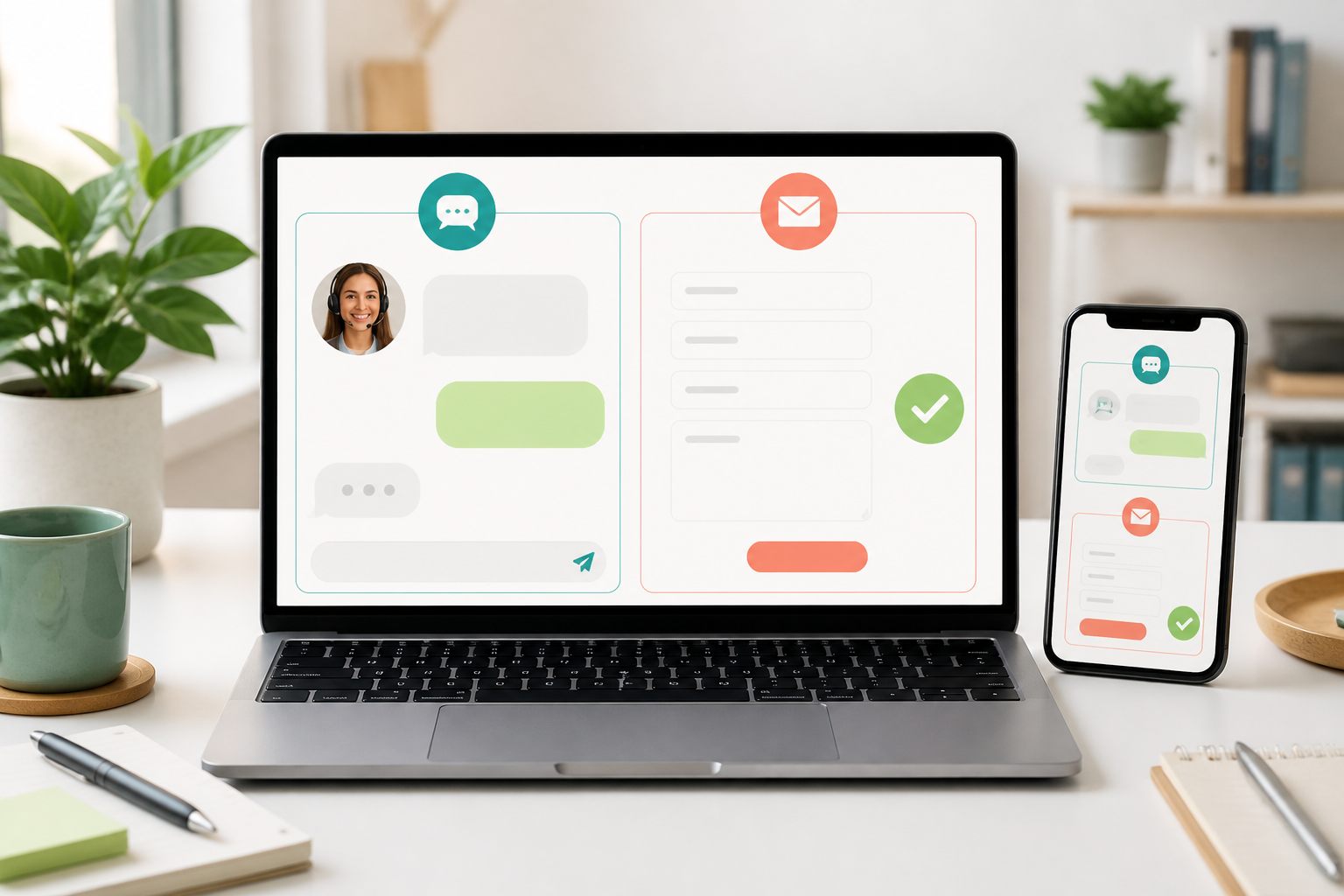
The short answer: match the channel to the task
Live chat works best when a visitor is in the middle of a task and one or two answers could help them continue. Product clarification, service-area questions, basic policy explanations, directions, and help finding the correct page fit naturally when an agent is available.
A contact form works better when the request needs structured details, files, internal research, specialist routing, or a response that will arrive later. Quotes, partnership requests, complex complaints, accessibility feedback, and account investigations often benefit from a durable submission instead of a live conversation that may outlast the visitor's session.
Offer both when visitors have both kinds of needs. The distinction must be honest: label live chat as live only during staffed coverage, and state what happens after a form or message is submitted. A visitor should know whether to wait on the page or expect a later email.
What live chat does better
Live chat keeps the visitor close to the page where the question occurred. An agent can ask one clarifying question, correct a misunderstanding, and point to the next step without starting a long email exchange. This is especially useful when the customer is comparing products, checking whether a service fits, or trying to finish a booking or checkout path.
The interaction is conversational, so unclear wording can be resolved immediately. A visitor may ask whether delivery is available, then add a postal code, product size, or date. A trained agent can adjust the answer as the context becomes clearer.
The limitation is staffing. Notifications do not make a channel live by themselves. Someone must own new conversations, read the existing thread, and reply within the expectation presented to the visitor. When that coverage ends, switch to a clear asynchronous route rather than leaving a live-looking widget unattended.
- Short questions blocking a current task
- One or two clarifying details
- Navigation and published policy help
- Pre-sale product or service questions
- Situations where an available person can take ownership now
What a contact form does better
A form can collect a consistent set of details without requiring both people to be present. It can separate quote requests from technical support, ask for an order reference where appropriate, and explain which files or context will help the receiving team investigate.
Forms also suit requests that should enter a defined business process. A partnership enquiry may need review by management. A detailed complaint may need a case owner. A repair request may need photographs and a model number. The confirmation page or email can preserve the submission and explain the expected next step.
Do not turn every form into a long intake questionnaire. Ask only for information needed to route or begin the request. Digital.gov's plain-language guidance recommends focusing on what the reader needs and using short, direct language. Each field should earn its place.
- Detailed requests that require research
- File or photograph collection
- Quotes, applications, and specialist routing
- Issues that need a durable confirmation
- Requests submitted outside staffed hours
Sources: Digital.gov: Write for the reader · Digital.gov: Keep wording short and simple
Use both without making visitors choose blindly
Place the options where their purpose is obvious. A compact chat launcher can remain available across pages during staffed hours. A contact page can hold structured routes for sales, support, billing, privacy, and other enquiries. Link from chat to the appropriate form when the request needs information the live conversation should not collect.
Avoid presenting several identical buttons labelled Contact us. Use labels that describe the action and timing: Chat with support, Request a quote, Send a technical question, or Leave a message. The copy should help the visitor predict what opens and whether the response is immediate.
Keep one source of ownership behind each route. If a visitor starts in chat and the issue becomes asynchronous, summarize the question, details already provided, next owner, and expected channel before handing it off. Do not make the person complete the same story again unless a secure form must collect specific information.
Make forms and chat understandable and accessible
Both experiences require clear controls, keyboard access, visible focus, readable contrast, and meaningful status feedback. A chat send failure and a form validation failure must tell the visitor what happened in text, not only turn a border red or leave the button unchanged.
W3C guidance for WCAG 2.2 says inputs need labels or instructions when users must provide information. Its error-identification guidance says an automatically detected input error must identify the affected item and describe the problem in text. Apply that to names, email addresses, order references, message fields, attachment limits, and required consent choices.
Test both routes on a phone. The chat launcher should not cover the form submit button, cookie controls, mobile navigation, checkout actions, or another accessibility tool. Opening the phone keyboard should keep the active field and send controls reachable.
Sources: W3C: Labels or instructions for user input · W3C: Understanding error identification · Yapdesk guide: Live chat accessibility checklist
Collect less data and explain why
Channel choice does not remove privacy responsibilities. Ask for the smallest amount of information needed for the current support step. A public product question may need no identity information. An order investigation may need an order reference and the email used at checkout, but should not request passwords, full payment-card numbers, or security codes.
Use the site's approved secure process for payment, authentication, health information, and other sensitive records. If a form allows attachments, explain accepted file types, size limits, purpose, and any information users should remove before uploading.
Review the privacy notice when adding chat, changing form fields, enabling attachments, or introducing Pro AI processing. WordPress's Plugin Handbook points developers toward privacy-policy information, personal-data export, and erasure mechanisms. The site owner still needs wording and retention practices that match the actual configuration and applicable requirements.
Sources: WordPress Plugin Handbook: Privacy · Yapdesk guide: WordPress live chat privacy checklist
Live chat vs contact form on WooCommerce pages
On a WooCommerce storefront, use chat for product comparison, sizing, compatibility, delivery-area questions, and help finding published policies. Keep a structured form for returns that need review, damaged-item evidence, wholesale enquiries, and other requests that may require files or specialist routing.
Yapdesk works as a chat widget on WooCommerce storefront pages but does not claim a direct WooCommerce integration. The widget should not imply that it knows cart contents, live stock, payment status, or private order details. A human agent can check authorized store systems separately and report only verified information.
Test product, cart, checkout, account, and order-help pages on desktop and mobile. The chat launcher must not cover purchase controls, and the contact route must not ask visitors to send payment information through an ordinary message field.
Sources: Yapdesk guide: WooCommerce live chat
How Yapdesk covers live and asynchronous support
Yapdesk's Free plan includes core human live chat and message mode with Yapdesk branding. Use Chat Active with Agent Only while a person is ready to answer. Use Message when visitors should leave their question and contact details for follow-up. Chat Off hides the widget when neither route should appear.
Message mode is not a replacement for every structured form. It is a compact asynchronous support route inside the chat widget. Keep a separate website form when the workflow needs many defined fields, multiple files, legal declarations, departmental routing, or another specialized process.
Pro AI adds AI Only and Hybrid AI + Agent replies, website context, and AI Brain File text. These are Pro AI features, not part of Free. AI may answer bounded questions from approved context, but it should hand off when the request needs private data, judgment, or an action it cannot perform.
Sources: Yapdesk guide: Change chat status and reply mode · Yapdesk guide: Configure Pro AI and human handoff
A 20-minute channel audit
Review real visitor questions and remove identifying details from the exercise. Assign each question to the channel that can handle it accurately with the least effort for the visitor.
- List the 30 most common enquiries from chat, forms, email, and phone.
- Mark questions that block a current website task and can be answered quickly.
- Mark requests that need files, research, routing, approval, or later follow-up.
- Put the first group in live chat during staffed coverage.
- Give the second group a clear form or message-mode route.
- Remove duplicate fields and explain why sensitive details are needed.
- Write a handoff summary that prevents visitors from repeating information.
- Test labels, validation, success messages, keyboard use, and phone layout.
- Send marked test submissions through every route and confirm the correct owner receives them.
- Review response promises and change any timing the team cannot reliably keep.
Start with free live chat
Add Yapdesk to WordPress, answer visitors from one inbox, and use message mode when your team is away. Pro AI is available when you want an AI assistant trained on your business.