
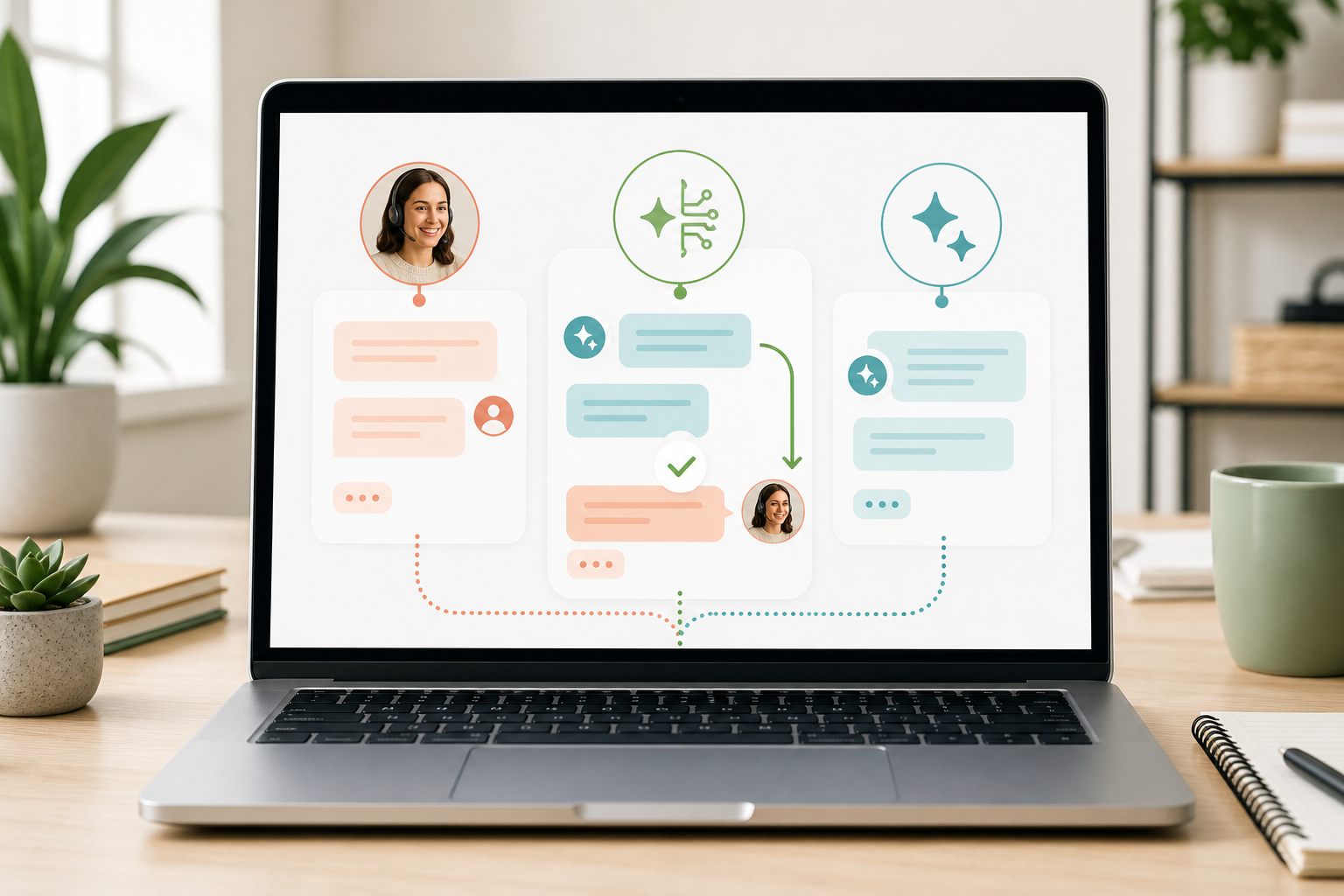
The short answer: choose by task, not by trend
Human support and AI support solve different parts of a customer conversation. A person can interpret unusual context, make an authorized exception, verify information in approved systems, and take responsibility for an action. An AI assistant can respond consistently from prepared material without waiting for an agent, but it should not claim knowledge or access it does not have.
Begin with the 30 or 50 questions your website receives most often. Mark which answers come directly from public, stable information; which require one clarifying detail; which require live inventory, order, booking, or account data; and which require judgment or approval. That simple classification usually reveals the right first mode.
Do not choose AI merely because staffing is difficult. Automation still needs approved source material, testing, monitoring, correction, and a defined human owner. Do not choose human-only chat merely because every conversation feels unique; repetitive public questions may be a good place for carefully bounded automation.
Live chat vs AI chatbot at a glance
Human live chat is strongest when the answer depends on current context, discretion, or action. Its limits are coverage, response time when agents are busy, and variation between agents. Training, access control, notifications, ownership, and clear after-hours expectations determine whether the experience works.
An AI chatbot is strongest when the question falls inside a tested scope with a current source of truth. It can begin immediately and use consistent approved context. Its limits include unsupported questions, stale source content, lack of private system access, and the possibility of confident but incorrect generated statements.
Hybrid support combines the two: AI handles an approved opening scope, and a human can take over. That can reduce repetitive work without forcing automation into requests that need a person. Hybrid also creates coordination work: the agent must see what the AI already said, the visitor needs a clear route to a human, and the team needs rules for when takeover happens.
- Human live chat: best for judgment, exceptions, account-specific help, and actions
- AI chatbot: best for stable, public, repeatable questions inside a tested scope
- Hybrid support: best when low-risk questions can begin automatically and escalation is staffed
- Message mode: best when no immediate response should be promised
Choose human live chat for judgment and accountable action
Use a person when the visitor's circumstances change the answer. Refund approvals, delivery exceptions, complaints, safety concerns, complex compatibility, account recovery, payment problems, and personalized recommendations often require context that cannot be reduced to one published paragraph.
A human agent can also work in other authorized systems. The agent may check an order platform, booking calendar, CRM, or inventory tool and then report the verified result. The chat widget does not create that access by itself; the business must give the agent appropriate permissions and a verification process.
Human chat still needs boundaries. Agents should not request passwords or full payment-card details, invent promises to end a difficult conversation, or access records without authorization. Give them approved policies, escalation owners, response standards, and a way to convert unfinished work into a tracked follow-up.
Choose an AI chatbot for narrow, stable information
AI can be useful for questions such as public hours, service areas, published policies, basic product information, location details, and the correct next page. These questions have a defined answer, do not require private account access, and can be tested before launch.
The boundary matters because generative AI can produce content that sounds confident while being false or inconsistent. NIST's Generative AI Profile calls this confabulation and treats it as a risk organizations should manage. In customer support, that means testing unsupported and ambiguous questions, requiring a safe failure, and reviewing real conversations rather than judging the system only by polished demonstrations.
An AI chatbot should say when the approved context does not contain the answer. It should not invent a price, promotion, delivery date, appointment, stock level, refund decision, or account action. A useful safe response identifies the limitation and offers the correct human or message path.
Choose hybrid support when the boundary is operational
Hybrid works when the team can define a safe opening scope and staff the exceptions. The AI might answer common pre-sale questions or explain a published process. A person takes over when the visitor requests one, the source is incomplete, the conversation becomes account-specific, an approval is needed, or the consequences of a wrong answer rise.
Write the takeover rule as an observable condition. Needs human judgment is too vague by itself. Better conditions include any refund decision, any request to change an order, any identity check, any claim of injury or fraud, any unsupported price, or any direct request for an agent. Assign who monitors these conversations and what happens when nobody is available.
NIST's AI Risk Management Framework emphasizes defined roles for human-AI configurations, documented oversight, ongoing monitoring, and periodic review. A small business can make that practical with one named owner, an approved source list, a test set, a handoff rule, a conversation-review schedule, and a change log.
Sources: NIST AI RMF Core · NIST AI RMF: Human-AI interaction
Information access is the dividing line many teams miss
A chatbot cannot verify a private fact merely because the visitor asks confidently. List every system the answer depends on. If a question needs current order status, live inventory, appointment availability, account balance, payment state, or a customer-specific record, determine whether a real authorized integration supplies that data. If it does not, the assistant should not imply that it checked.
Yapdesk Pro AI uses the approved website context and AI Brain File text configured for each connected website. That does not create a direct connection to WooCommerce orders, inventory, private customer accounts, bookings, or another live system. Yapdesk can appear as a chat widget on WooCommerce storefront pages, but it does not claim a direct WooCommerce data integration.
A human agent may still answer those questions by checking the business's authorized system outside Yapdesk. The operating procedure should say what must be verified, what can be repeated from public policy, and what the agent is allowed to change.
Availability changes the right mode
Human live chat is live only while someone is ready to answer. Push notifications help, but an alert is not a staffing plan. Set ownership for new chats, define the response window, and use message mode when the team will follow up later.
AI can begin outside staffed hours, but only inside the approved scope. Decide whether an unanswered or escalated conversation becomes a ticket, who reviews it at opening time, and what expectation the visitor sees. An automatic first reply must not quietly turn into an unowned queue.
For a small team, a realistic schedule can be stronger than an always-on promise. Start with human chat during a short staffed window and message mode at other times. Add Pro AI only after the recurring questions and escalation ownership are visible.
Sources: Yapdesk guide: Change chat status and reply mode · Yapdesk guide: After-hours live chat
Compare operating effort, not only software features
Human chat requires recruiting or assigning agents, training them, controlling access, covering schedules, and reviewing response quality. AI requires source preparation, test design, risk boundaries, monitoring, corrections, privacy review, and human escalation. Hybrid requires both, plus clear coordination.
Measure outcomes tied to the support task. For human chat, review whether the first useful reply understood the issue, whether the agent verified important facts, and whether the next action had an owner. For AI, review approved-answer accuracy, unsupported claims, safe failures, handoff quality, and repeated questions missing from the source material.
Do not treat a low handoff rate as proof of success. It may mean automation is handling the scope well, or it may mean visitors cannot reach a person. Do not treat a high handoff rate as automatic failure if the handed-off questions genuinely require judgment. Read a defined sample and classify what happened.
How the three choices work in Yapdesk
Yapdesk's Free plan provides core human live chat and message mode with Yapdesk branding. In Chat Active with Agent Only reply mode, visitor messages wait for a human response. In Message status, visitors can leave details for follow-up. AI is not part of the free plan.
Pro AI adds AI Only and Hybrid AI + Agent reply modes, website context, website scraping, and AI Brain File text. AI Only lets the assistant answer within the configured workflow until escalation. Hybrid lets AI begin while a human agent can take over. These modes still need testing, approved context, and monitoring.
Choose the website before configuring AI context because settings are stored per connected site. Do not mix one business's hours, policies, prices, or escalation rules into another website's assistant. Test the real public widget on desktop and mobile after saving, not only the dashboard preview.
Sources: Yapdesk guide: Configure Pro AI and human handoff · Yapdesk guide: Train an AI chatbot on your website
A 30-minute live chat vs AI chatbot decision test
Use real question patterns, but remove customer-identifying information from the exercise. The goal is to identify a safe first operating mode, not to justify a decision already made.
- List the 30 most common website questions in the visitor's own wording.
- Mark each answer as public and stable, requires clarification, requires live private data, or requires judgment and action.
- Circle questions where a wrong answer could cause financial, safety, legal, privacy, or trust harm.
- Choose human chat for the private, high-consequence, judgment, and action groups.
- Create a small AI candidate set only from stable, approved information.
- Write a safe failure and a specific handoff condition for every AI candidate group.
- Name the person who owns source updates, conversation review, and escalations.
- Test normal, vague, unsupported, adversarial, and direct-agent requests before launch.
- Start with one website or limited window, review real results, and expand only when the evidence supports it.
- Use message mode whenever neither a human nor approved AI coverage should be presented as immediate.
Start with free live chat
Add Yapdesk to WordPress, answer visitors from one inbox, and use message mode when your team is away. Pro AI is available when you want an AI assistant trained on your business.