
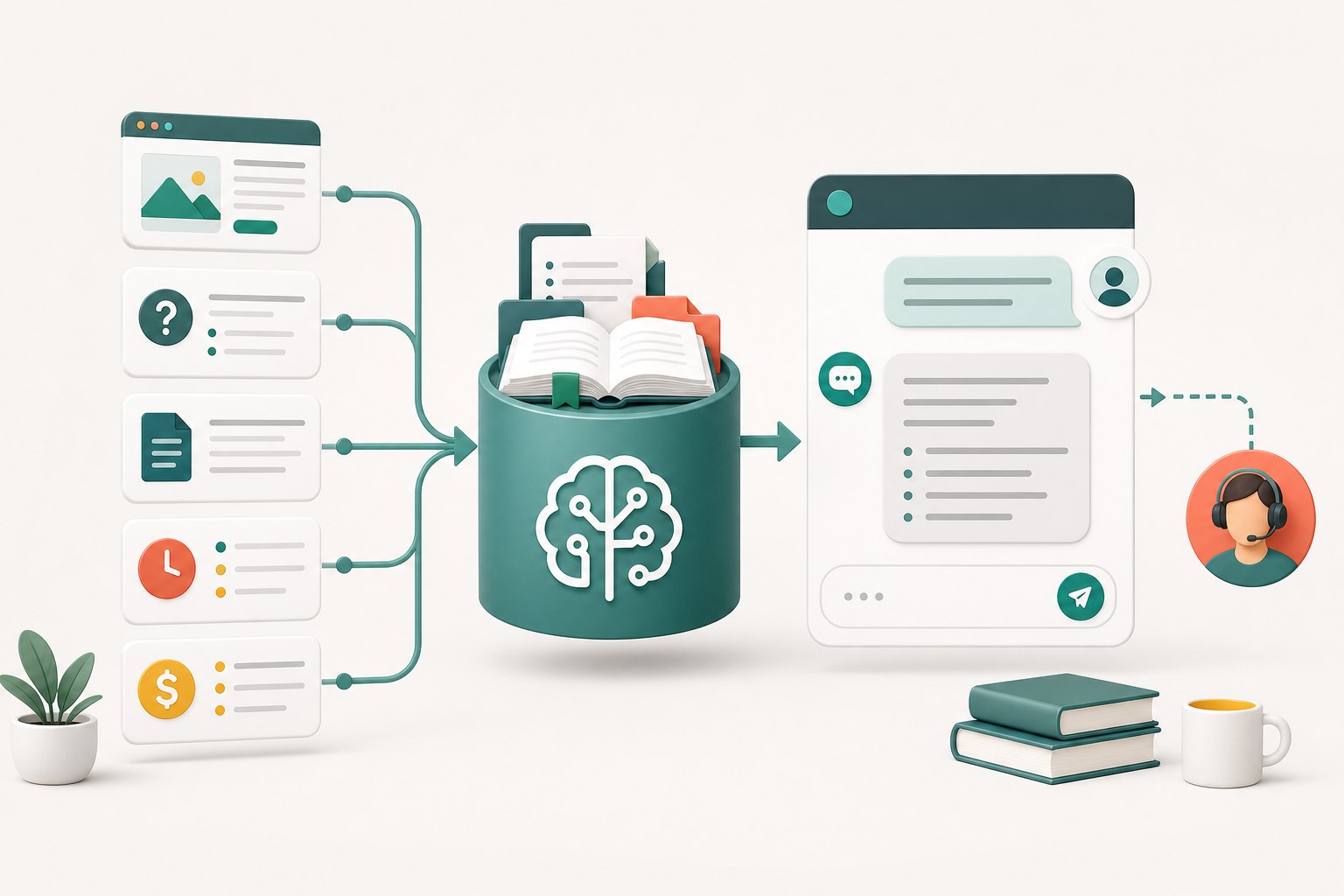
The short answer: train the support job, not the whole internet
Start by defining the exact support work the chatbot may do. A useful first scope might include business hours, service areas, product basics, booking steps, shipping regions, published return rules, and directions to the right page. That is much easier to maintain than an assistant expected to answer every question about the company.
Write down what must remain human. Refund decisions, personalized medical or legal advice, account access, payment problems, order changes, safety-critical recommendations, and promises based on live inventory usually need verification or judgment. A chatbot can explain the published process, but it should not pretend to have checked a system it cannot access.
Yapdesk follows this practical split. Core live chat and message mode are free. Pro AI adds AI-only or hybrid replies, website scraping, and business brain text. Website scraping gives the assistant context from the pages you choose; it does not create a direct connection to WooCommerce orders, private accounts, inventory, or another live business system.
Choose one measurable launch goal
A narrow goal makes the first review meaningful. Instead of saying the chatbot should improve support, choose an outcome such as answering the 20 most common pre-sale questions, explaining after-hours booking steps, or directing customers to the correct policy page. Every training item and test question should support that goal.
List the customer questions behind the goal in their natural language. Customers rarely use the exact heading from a policy page. They ask: Do you deliver here? Can I bring a pet? What happens if I cancel? Does this fit my model? Include short wording, misspellings, follow-up questions, and the vague versions staff hear every week.
Define a safe failure before launch. For example: when approved information does not answer the question, the assistant says it needs a person and collects a useful message. That is a successful boundary, not a failed chatbot.
Build a small source of truth
Collect only approved customer-facing information. Useful sources include current service pages, help articles, published policies, product specifications, store hours, contact routes, and a short internal answer sheet approved for customers. Remove duplicate pages, expired promotions, draft policies, staff notes, and content copied from suppliers when you cannot confirm it still applies.
Resolve contradictions before training. If the contact page says Saturday hours are 9 to 5 and a footer says 10 to 4, the chatbot cannot know which source wins. Give every important fact one owner, one approved wording, and a review date. Prices, availability, promotions, delivery estimates, and seasonal hours deserve especially short review cycles.
Use the AI Brain File for facts and rules that are not expressed clearly on the public site. Write concise sections for business identity, services, hours, service area, policies, escalation, and tone. Prefer a direct statement such as Returns are accepted within 30 days when the published conditions are met over a page of promotional copy.
- One fact per short statement
- Exact units, regions, dates, and policy boundaries
- Links or page names the visitor should use next
- A clear instruction when the answer requires a person
- An owner and review date for information that changes
Protect privacy while choosing training content
Do not paste customer conversations, private account records, payment details, passwords, access keys, health information, or confidential staff notes into chatbot context. If a real conversation contains a useful question, rewrite it as an anonymous example and keep only the business rule needed to answer it.
Review the site's privacy notice when chat is introduced or its data use changes. WordPress privacy guidance emphasizes data minimization, limited retention, transparency, and documenting when a plugin or service shares information with an outside API or server. Requirements vary by location and business, so treat the WordPress guidance as a practical checklist rather than legal advice.
Decide what visitors should never be asked to submit in chat. Put those rules in staff training and the AI instructions. A support assistant should direct payment back to the secure checkout and use the approved verification process for account-specific help.
Sources: WordPress Plugin Handbook: Privacy
Create a test set before turning AI on
Build a spreadsheet or checklist of questions and the acceptable answer for each one. Include normal questions, ambiguous questions, unsupported questions, attempts to get a promise, and situations that require handoff. Test multi-turn conversations too: a correct first answer can still go wrong after the visitor adds a date, location, product variation, or exception.
Score the behavior, not whether the words exactly match a script. Did the answer use the approved fact? Did it ask for the missing detail? Did it avoid inventing a price or availability? Did it link to the right next step? Did it hand off when the request crossed a boundary? Record the source problem behind each bad answer and fix that source.
NIST's AI Risk Management resources frame testing, evaluation, verification, and validation as work that continues across the AI lifecycle. That is a useful operating model for customer support: test before launch, monitor real use, document failures, and retest after meaningful changes.
- Ten common questions with approved answers
- Five questions that need one clarifying detail
- Five questions the chatbot must hand to a person
- Three requests involving sensitive or account-specific information
- Three misleading or out-of-scope questions
- Two complete conversations from greeting to next action
Sources: NIST AI Resource Center · NIST Generative AI Profile
Design the human handoff
A handoff should preserve momentum. The assistant should briefly say why a person is needed, collect only the details that help the next agent, and set an honest expectation for follow-up. It should not keep asking the same question after the visitor requests a person.
In hybrid mode, decide what causes human takeover. Examples include an agent sending a reply, the visitor asking for a person, an unsupported request, or a question tied to a private order. Decide who owns new conversations, when an unanswered chat becomes a ticket, and how staff can see what the AI already told the visitor.
Use message mode when no live or AI coverage should be presented as immediate. A clear message form is better than a live-looking widget nobody is watching. Yapdesk's free message mode can collect the follow-up even when Pro AI is not enabled.
Launch in stages and review real conversations
Begin with a limited time window or one lower-risk website. Watch the first conversations closely. Group problems into missing information, outdated information, unclear scope, poor handoff, and interface problems. This keeps the response practical: update the source for a knowledge issue, update the rule for a boundary issue, and update the widget for an interaction issue.
Track a few useful measures: how often the chatbot reaches an approved next step, how often it hands off, how many answers staff correct, and which unanswered questions repeat. A high handoff rate is not automatically bad if the remaining questions genuinely require a person. A low handoff rate is not automatically good if the assistant is confidently guessing.
Review the knowledge whenever products, prices, hours, service areas, staff coverage, or policies change. Schedule a regular owner review even when nothing obvious changed. NIST's framework emphasizes governance and documentation throughout the lifecycle; for a small support team, that can be as simple as a named owner, a dated source list, a test checklist, and a change log.
Sources: NIST AI RMF Core
A practical Yapdesk Pro AI setup checklist
The technical setup is short; the quality work is in the review. Complete the steps below for each connected website rather than reusing one business's context across unrelated sites.
- Open Chat Settings and choose the website you want to configure.
- Enter an approved public URL under AI Website URL and run the scrape.
- Review the scraped context and remove content that is stale, duplicated, or outside support scope.
- Add concise policies, FAQs, offers, tone, and escalation rules in the AI Brain File text.
- Use Live Widget Preview to run the full test set, including handoff and unsafe requests.
- Save the settings, then choose AI Only or Hybrid AI + Agent in Reply Mode.
- Test the public widget on desktop and mobile without using a customer account.
- Review the first real conversations and update the approved source material when patterns appear.
Start with free live chat
Add Yapdesk to WordPress, answer visitors from one inbox, and use message mode when your team is away. Pro AI is available when you want an AI assistant trained on your business.