
Open the Chat inbox
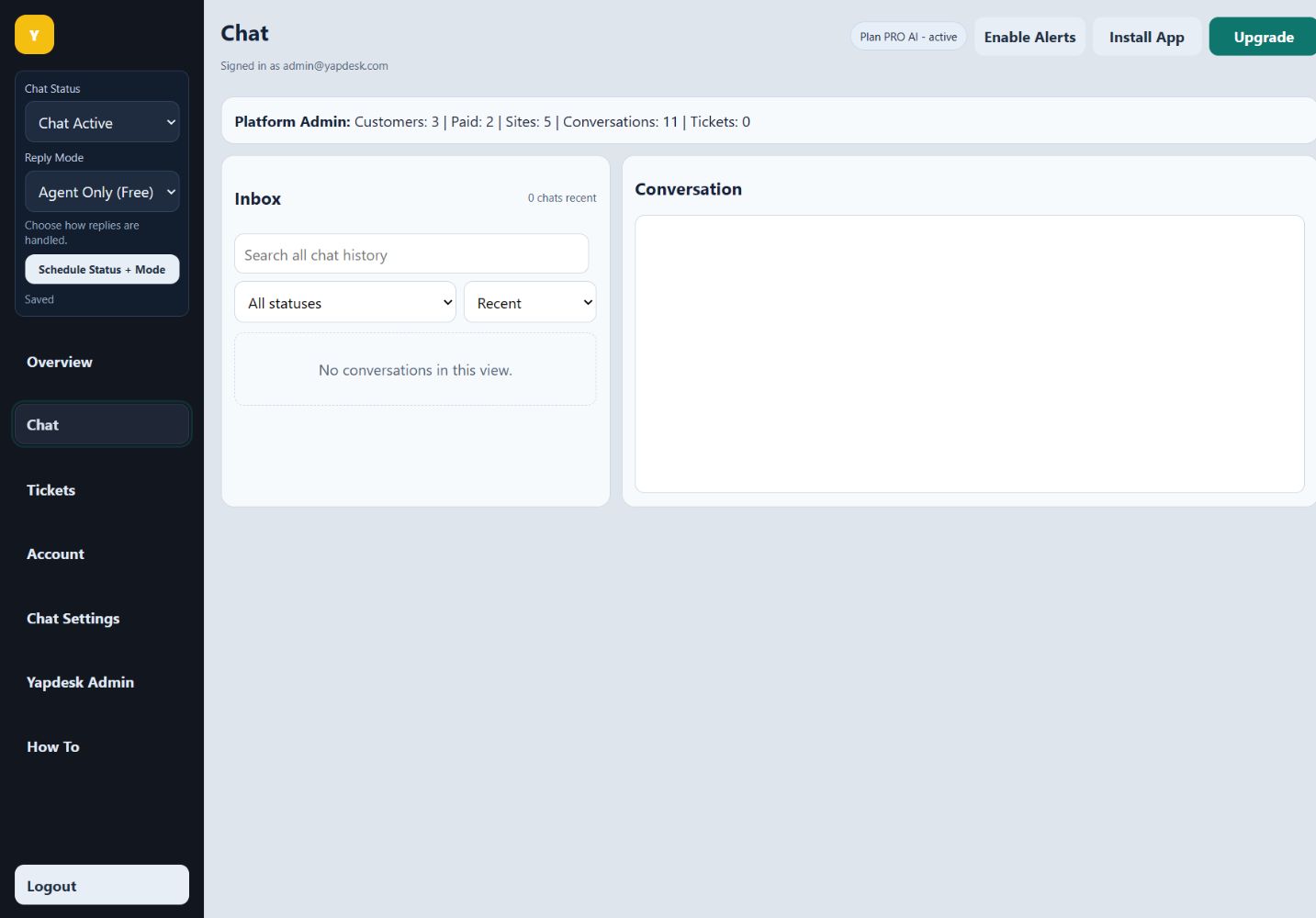
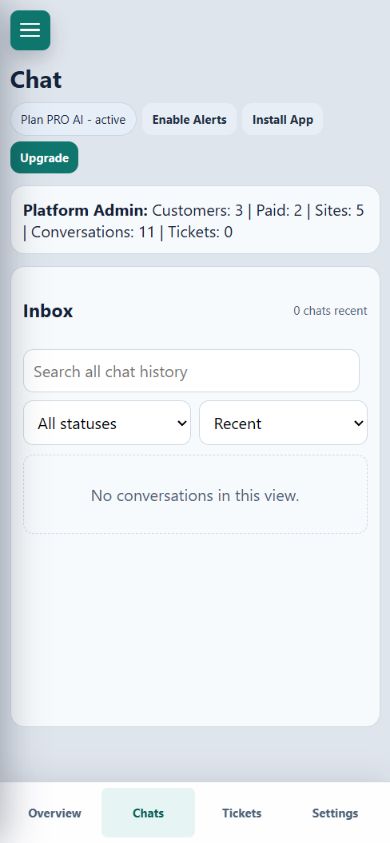
Sign in at app.yapdesk.com and open Chat. The inbox has one search box plus status and history-range filters, so you can narrow results without leaving the screen.
Choose Recent or All history
Use Recent for current work. Choose All history when the conversation may be older than the recent window. The counter updates to describe the current result set.
Enter a useful search phrase
Search for a customer email, phone number, words from a message, business name, or website domain. Use the most distinctive phrase you remember instead of a broad word such as help.
Filter by conversation status
Choose All statuses, Open chats, Closed chats, or Converted to tickets. Combine a status with your search phrase when many conversations contain the same term.
Clear the search
Use the clear control in the search field or remove the text to return to the full list. Switch the range back to Recent for day-to-day inbox work.