
What makes live chat canned responses useful?
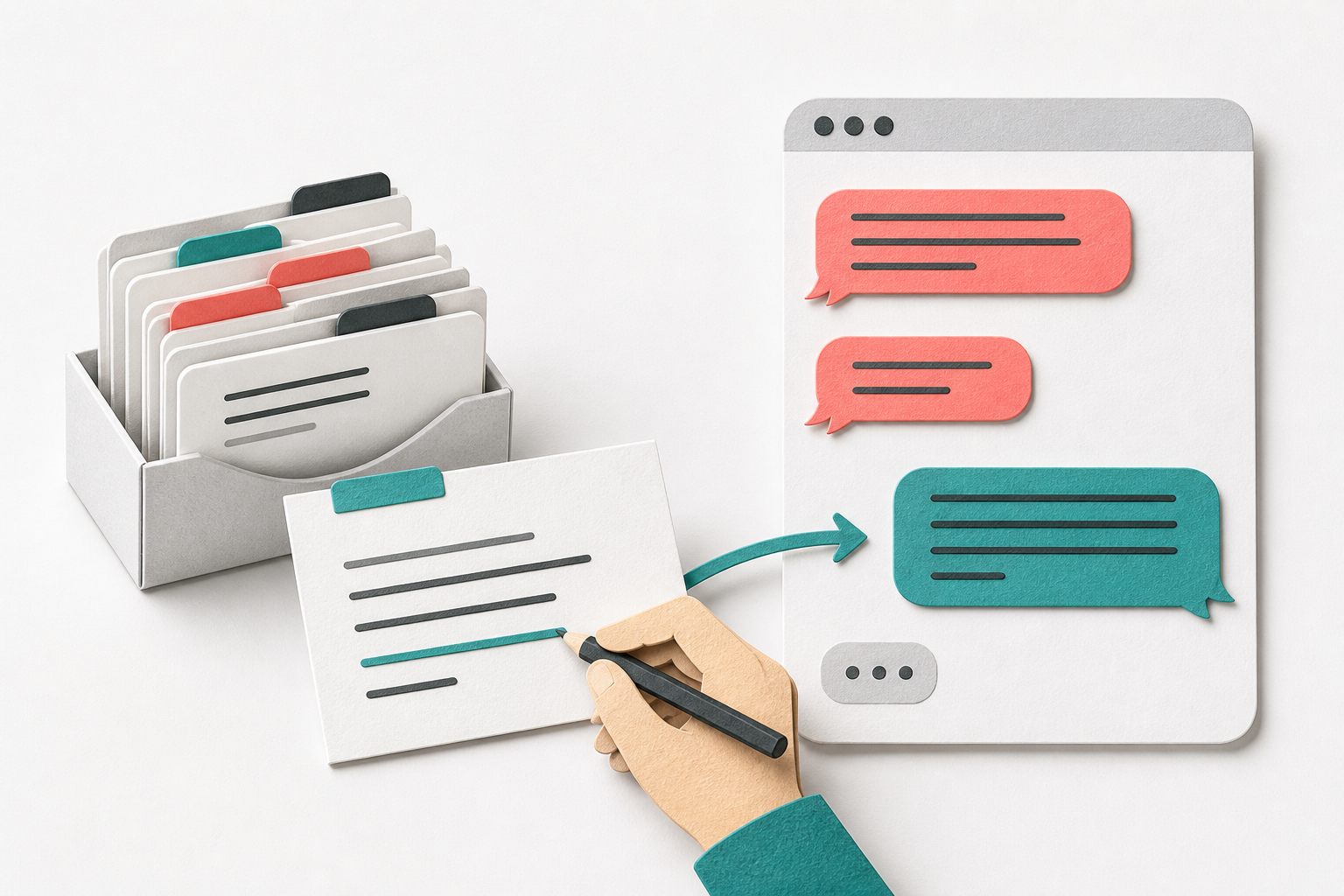
A useful template preserves the repeatable part of an answer: the explanation, the next step, or the information needed to investigate. The agent supplies the details that change. A refund policy can be reusable; whether this particular order qualifies still needs checking.
Atlassian's guidance on canned responses recommends finding recurring questions, personalizing replies, linking relevant resources, and refreshing the content. Digital.gov's plain-language guidance recommends clear words and removing unnecessary wording. Apply those principles to a small reply library that staff can actually review and maintain.
These examples are starting points, not customer stories or claims about actions already performed. Text in square brackets is a manual placeholder. Replace every placeholder, remove irrelevant sentences, and confirm the promised next action is available in your business.
Sources: Atlassian: Best practices for creating canned responses · Digital.gov: Short and simple language
1. Clarify a problem without restarting the conversation
Use this when the visitor has described the problem but one missing detail changes the troubleshooting path. Repeat the detail they already gave, then ask only the next useful question. Do not send a checklist asking for information that is visible earlier in the thread.
2. Ask for a screenshot that helps investigation
Use this only when a picture will clarify something text cannot. Ask for the relevant area, not the whole screen. Check that your support channel accepts the file type and size before offering upload instructions; do not paste limits copied from another service.
3. Offer a verified workaround
Use this after confirming that the workaround applies to the visitor's situation. Start with one reversible step. Do not recommend clearing all browser data, reinstalling software, or deleting files as a generic first response, particularly when work could be lost.
4. Give an investigation update with a real owner
Use this when the answer needs research outside the current chat. Confirm who owns the investigation and choose a checkpoint that person can meet. A checkpoint is a promise to update the visitor, not a promise that the issue will be solved by then.
5. Explain an interruption without inventing a recovery time
Use this only after verifying an interruption through your own authorized incident process. Do not turn one visitor's error into a claim that everyone is affected. If the cause or restoration time is unknown, say so and provide only the confirmed next update.
6. Share a delivery status you actually checked
Use this after verifying the order through the store's approved process and checking its current status. A tracking estimate is not a guaranteed arrival date. If information is stale or conflicting, explain the uncertainty instead of turning the carrier's estimate into your own promise.
7. Explain a return review without approving it prematurely
Use this when the request must be reviewed against the current return policy. Check the item, applicable terms, and your authority before promising a refund, free shipping, or an exception. Link the relevant policy section rather than pasting a long unrelated policy into chat.
8. Separate an appointment request from a confirmed booking
Use this when you can collect preferences but cannot reserve the slot in chat. The reply should prevent someone from travelling or planning around an unconfirmed time. Only say a booking is confirmed after checking the authorized schedule and completing the actual booking process.
9. Route a policy exception to someone who can decide
Use this when a visitor asks for something outside the agent's authority. Summarize why the exception is being requested, with the visitor's relevant context. Verify that the review route exists before offering it; escalation is not the same thing as approval.
10. Say what is unavailable and offer a genuine alternative
Use this when the requested service or option is genuinely unavailable and you have checked the alternatives. Keep the boundary brief and specific. Do not recommend an unsuitable substitute merely to keep the conversation moving, and do not invent a future availability date.
11. Correct an earlier answer clearly
Use this as soon as you discover that an earlier reply was wrong. Identify the correction directly rather than quietly replacing the answer. If the visitor acted on the original information, ask what happened and involve the person authorized to help address the consequences.
12. Send a follow-up that preserves the agreed next step
Use this after a conversation moves to an approved follow-up channel. Keep the summary focused on the unresolved task and avoid reproducing unnecessary personal information. Distinguish what has already happened from what still needs action, especially when another teammate takes over.
Use the templates in Yapdesk without assuming automation
Keep approved drafts in a shared document your team controls. In Yapdesk, read the conversation, copy the relevant draft into the normal reply composer, replace its placeholders, and review it before sending. This is a manual workflow, not a claim that Yapdesk provides a saved-reply library or automatic placeholder substitution.
Core human live chat and message mode are free with Yapdesk branding. AI replies and Hybrid AI + Agent are Pro AI features. A shared reply document does not enable AI or make these messages automatic. If you use Pro AI, maintain factual policies in its approved business context rather than treating these human-agent scripts as proof that an action occurred.
For WooCommerce sites, Yapdesk works as a storefront chat widget, not a direct order-data integration. Delivery, refunds, and bookings still require checks in the authorized business system. Never let a reusable sentence stand in for a check that nobody performed.
Sources: Yapdesk support: Reply to your first live chat · Yapdesk guide: Train an AI chatbot on your website
Maintain a small library that agents can trust
Give every draft a short situation-based name, an owner, a policy source, and a last-reviewed date. Start with the questions your team actually repeats. Archive outdated versions when policies or processes change so agents do not choose between conflicting answers.
Review a few conversations after introducing a template. Did the visitor understand the next step? Were placeholders removed? Did the agent promise anything outside their authority? Measure useful outcomes alongside response time; a faster incorrect reply creates more work later.
- Select three recurring support situations from recent conversations.
- Adapt the matching drafts and verify every policy, link, and promised action.
- Have another teammate test them against an ordinary case and an exception.
- Publish only the approved versions in your shared document.
- Review real usage and update the drafts whenever the underlying facts change.
Start with free live chat
Add Yapdesk to WordPress, answer visitors from one inbox, and use message mode when your team is away. Pro AI is available when you want an AI assistant trained on your business.