
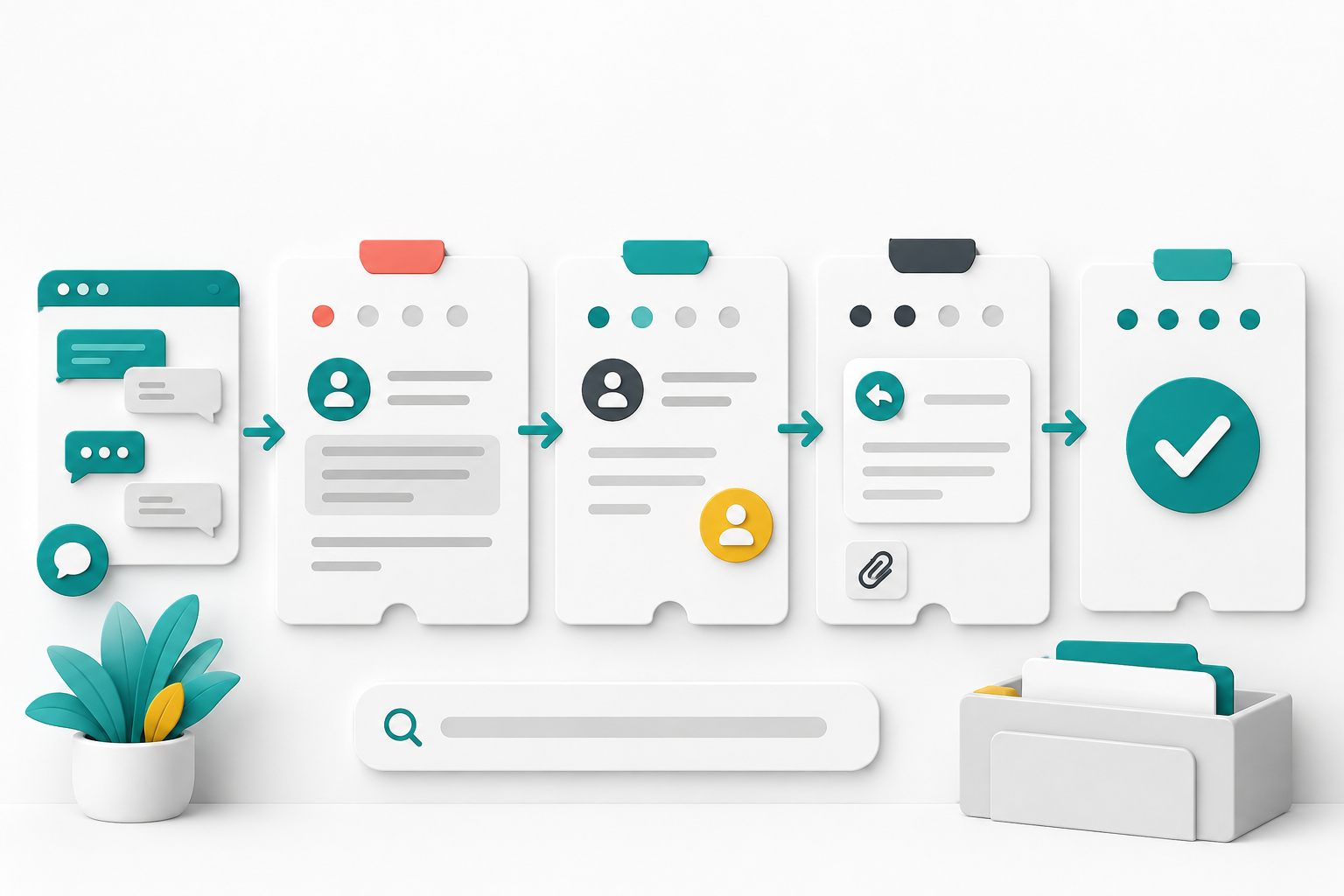
Use a ticket when the work must outlive the chat
Live chat works best for an active exchange: clarify the question, provide an answer, test a simple fix, or direct the visitor to the right next step. Create or convert to a ticket when the answer needs research, another person's authority, an email follow-up, a file review, or an action that will happen after the visitor leaves the page.
Do not convert every chat automatically just to make the queue look complete. A ticket adds value when someone needs to remember, own, or continue work. If the question was fully answered and no follow-up is expected, close the chat with a short summary instead.
Tell the customer when the channel changes. Explain that the live exchange is becoming an asynchronous follow-up, confirm the contact email, state the next action, and give a realistic update checkpoint. A ticket is not a promise that the request is approved or solved.
Capture the handoff before the visitor leaves
The first ticket entry should let another agent continue without making the customer repeat the conversation. Lead with the requested outcome and the reason follow-up is required. Then record the verified facts, relevant attempts, results, open question, promised checkpoint, and authorized source records.
Separate what the customer reported from what the business verified. Customer says the order was charged twice is not the same as two captured payments confirmed in the merchant account. That distinction prevents an unverified statement from becoming an internal fact as the ticket moves between people.
Digital.gov recommends putting the most important information first and presenting process information in chronological order. Apply that structure to a ticket: bottom line first, then the short sequence of events, then background that is still useful.
- Customer's requested outcome
- Website, product, order, or service involved
- Facts verified in an authorized system
- Troubleshooting or actions already attempted and their results
- Exact decision, research, or action still required
- Named owner or responsible role
- Next update date, time, time zone, and contact route
Give every ticket status one operational meaning
A status is useful only when every agent interprets it the same way. Write a short definition for each state and decide which action moves work into or out of that state. The label should describe the current responsibility, not the customer's mood or the perceived importance of the account.
Yapdesk exposes Open, Replied, Pending, Resolved, and Closed in the ticket detail view. The application sets a ticket to Pending after an agent sends a reply. Your operating rules should account for that behavior and say when an agent should select another state.
Keep priority separate from status. Open does not necessarily mean urgent, and Pending does not mean unimportant. Yapdesk does not currently advertise an automatic priority, service-level timer, department assignment, or escalation engine, so maintain any priority and ownership rules in the team's documented process.
- Open: new or active work needs an agent action
- Replied: an agent response has been recorded when the team uses this state explicitly
- Pending: the agent has replied and is waiting for the customer, an outside action, or a defined checkpoint
- Resolved: the requested work appears complete and no immediate action remains
- Closed: the support record is finished and should leave the active queue
Do not let Pending become a hiding place
Pending should answer two questions: what are we waiting for, and when will we check again? Waiting for customer is different from waiting for warehouse confirmation or waiting for a manager's decision. Put the dependency and checkpoint in the thread so the next agent can understand the pause.
Review pending tickets on a regular schedule that fits the business. If the promised checkpoint arrives before the outside answer, update the customer before the time passes. Say what is complete, what remains open, and when the next update will happen.
Avoid messages that merely say the request is still being reviewed. A useful update adds information: who owns the next action, which dependency remains, and the next reliable checkpoint. Do not invent a deadline to make the reply sound more reassuring.
Write replies that move the ticket forward
Before replying, read the original conversation and the complete ticket thread. State the answer or current result first. Then explain the next action, who owns it, what the customer must provide if anything, and the next checkpoint. Use a specific date and time zone when timing matters.
Ask only for information required for the next action. If identity or order verification belongs in another authorized system, send the customer through that process instead of collecting extra account details in the ticket. Never ask for passwords, one-time codes, full payment-card numbers, or card security codes.
When attaching a file, name what it contains and why it matters. Yapdesk accepts images, PDF, and ZIP files in the ticket reply interface; the applicable attachment limit depends on the account plan. Confirm that the recipient expects the file and that it does not expose information unrelated to the request.
Search before creating a duplicate ticket
When a customer returns, search the ticket queue before starting a second record. In Yapdesk, ticket search can match the subject, recent message content, requester email, ticket identifier, and connected website information. Use the most distinctive term available, then verify the email, site, and conversation details before treating a result as the same person or issue.
Continue the existing thread when it represents the same unresolved request. Create a separate ticket when the customer has a genuinely different issue that needs its own owner, evidence, or outcome. One enormous ticket covering unrelated problems becomes hard to search and easy to close incorrectly.
Do not disclose that another record exists until identity and authorization are handled under the business's policy. A matching name or email fragment is a search clue, not sufficient proof that someone should receive private account or order details.
Collect less sensitive data, not better excuses
Support records can accumulate email addresses, order references, screenshots, and account context. Before asking for any item, decide whether it is necessary for the next support action, who may access it, where the authoritative record belongs, and how long the business needs to retain it.
The U.S. Federal Trade Commission's business guidance recommends knowing what personal information a company holds, keeping only what the business needs, limiting access, protecting retained information, disposing of data that is no longer needed, and preparing for incidents. Apply those principles to tickets as part of the business's wider privacy and security program.
A closed status is not a deletion instruction. Set retention and deletion rules separately based on the business purpose and applicable obligations. This article is operational guidance, not a legal determination for a specific company or location.
Sources: FTC: Protecting Personal Information - A Guide for Business · Yapdesk guide: WordPress live chat privacy checklist
Resolve first, then close deliberately
Use Resolved when the requested outcome is complete or the answer and required next step have been delivered, according to your team's definition. Before selecting it, confirm that no promised action, scheduled update, unanswered question, or internal dependency remains.
Use Closed when the record should leave active work. Yapdesk asks for confirmation before closing and keeps closed tickets available in ticket history. If the customer replies later, review the complete thread before responding so they do not have to reconstruct the issue.
Do not close a ticket merely because the customer has not replied quickly. Define a reasonable no-response sequence for the business: reminder if appropriate, final message explaining closure, and a clear way to return. High-risk, contractual, safety, privacy, or payment matters may need a different route and qualified review.
Apply the workflow in Yapdesk
Yapdesk core human live chat and message mode are free with Yapdesk branding. A visitor can leave a message for follow-up, and an agent can convert a conversation to a ticket when work needs to continue beyond the live session.
Open Tickets from the desktop sidebar or mobile bottom navigation. Search the queue, select the ticket, read its thread, choose a status, add a reply or supported attachment, and use Save + Send Reply. A Ticket Notification Email can copy new tickets and replies to a shared support mailbox for the selected website.
Pro and Pro AI include up to three agent logins, which is useful when more than one person handles the queue. AI Only and Hybrid AI + Agent are Pro AI features. AI does not remove the need for ticket ownership, verification, status definitions, and a human decision path for sensitive or authorized actions.
Sources: Yapdesk support: Create and manage support tickets · Yapdesk support: Add websites and support agents
Test the customer support ticket workflow end to end
Use fictional customer data and label every test message clearly. Do not trigger a real refund, shipment, account change, or sensitive-data process during a routine workflow test.
- Start a visitor chat with a question that genuinely requires later research.
- Convert it to a ticket and confirm the original context remains available.
- Find the record by requester, subject, message phrase, and connected website.
- Send a reply with a specific next action and verify the ticket moves to Pending.
- Simulate a customer response and confirm the answering agent sees the full thread.
- Change the status according to the written team definitions, not personal preference.
- Resolve and close the ticket only after every promised action and question is complete.
- Search ticket history for the closed record and verify it can still be reviewed.
- Repeat on desktop and mobile, including notification and shared-mailbox checks used by the team.
Start with free live chat
Add Yapdesk to WordPress, answer visitors from one inbox, and use message mode when your team is away. Pro AI is available when you want an AI assistant trained on your business.