
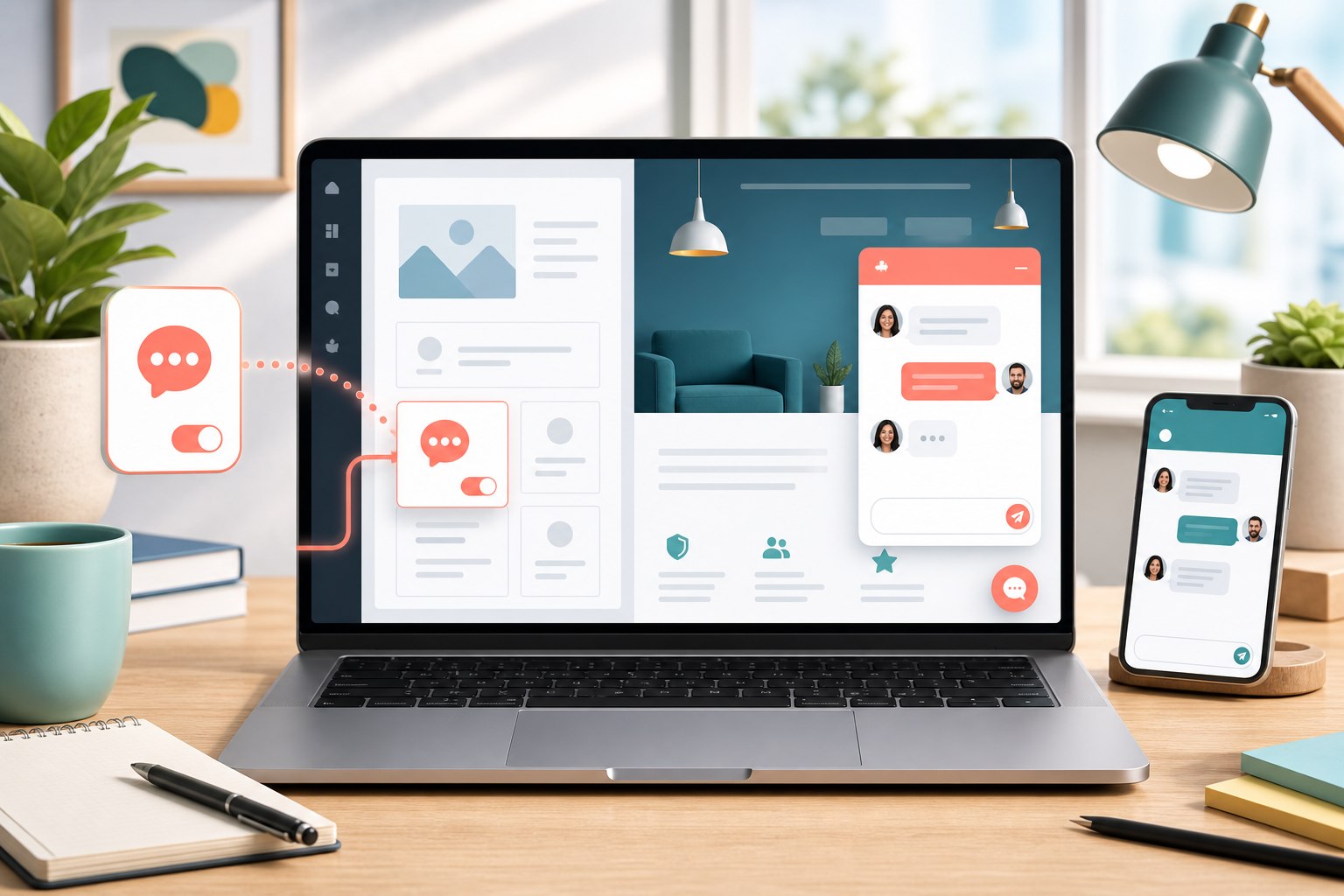
What free live chat should actually do
The best free live chat setup is not the one with the longest feature list. It is the one that makes it easier for a visitor to ask a question and easier for your team to answer it. For most small WordPress sites, that means a visible chat widget, a shared inbox, an away mode, and a reliable way to collect a message when nobody is online.
Start with the customer moment you want to improve. A service business may need to capture quote questions. A WooCommerce store may need to answer shipping or product questions. A campground, clinic, or venue may need to collect dates and contact details. The job of live chat is to shorten the distance between that question and a useful next step.
- A clear launcher that works on desktop and mobile
- Real-time replies when an agent is available
- Message or ticket collection when the team is away
- Notifications that reach the person responsible for replying
- Conversation history so visitors do not have to repeat themselves
Choose a WordPress chat plugin with a workable free plan
Before installing anything, check what the free plan includes after the trial period ends. Some products describe a short trial as free, while others keep the core chat available. Also check whether the plugin requires a hosted account, how branding appears, how many sites and agents are included, and what happens when you are offline.
Yapdesk keeps core live chat and message mode free with Yapdesk branding. You can connect one website and one agent, reply from the hosted dashboard, and collect messages when live support is unavailable. Pro adds operational features such as more sites, more agents, schedules, and branding removal. Pro AI adds AI and hybrid reply modes. Keeping those boundaries clear helps you choose based on the workflow you need today.
Install Yapdesk live chat on WordPress
You can install Yapdesk from the WordPress plugin screen. The plugin connects your WordPress site to the Yapdesk service, where conversations, tickets, notifications, agents, and optional Pro features are managed. The free plan does not require a payment method.
- In WordPress admin, open Plugins, choose Add New Plugin, and search for Yapdesk Live Chat.
- Install and activate the plugin.
- Open Yapdesk Live Chat in the WordPress admin menu.
- Create a Yapdesk account or connect an existing account.
- Confirm the widget appears on the public site and send a test message from a private browser window.
- Open the Yapdesk dashboard on your computer and phone, reply to the test conversation, and confirm the visitor receives the response.
Set availability before real visitors arrive
A common live chat mistake is promising an immediate response at all hours. Visitors interpret an online chat launcher as a signal that somebody is present. If your team cannot monitor it, use message mode so the interface sets the right expectation and creates a follow-up instead.
Decide who owns new conversations, what hours you normally answer, and how quickly an offline message should receive a response. Put that expectation into your support routine. A small team with a clear two-hour follow-up promise will usually create a better experience than an always-online widget that nobody watches.
Write replies that move the conversation forward
Fast replies help, but useful replies matter more. Begin by answering the question you can answer, then ask for only the information needed for the next step. Avoid opening every conversation with a long form. Visitors chose chat because they expected a lighter interaction.
For example, a customer asking whether an item will arrive by Friday needs the destination, the product, and perhaps the order time. They do not need to explain their entire purchase history. A service lead asking about availability may need to share dates, location, and contact information. Keep each question tied to an obvious reason.
- Acknowledge the visitor's actual question
- Give the useful part of the answer immediately
- Ask one focused follow-up at a time
- Explain when a person needs to confirm something
- Close with a specific next step instead of a vague promise
Use live chat on WooCommerce pages intentionally
On a WooCommerce store, chat can reduce uncertainty near product pages, the cart, checkout, and account pages. Typical questions concern sizing, compatibility, stock, delivery, returns, and order changes. Make sure the person answering can find those policies quickly.
Do not let the launcher cover mobile checkout controls. Test the storefront at a narrow phone width, open the widget, close it, move between pages, and complete a test checkout. Also avoid requesting payment card details or sensitive account information through chat. Direct customers to the appropriate secure workflow.
Know when Pro AI is useful
Pro AI can help when your team repeatedly answers the same well-documented questions or when visitors arrive outside business hours. Yapdesk can use approved website context and business knowledge to answer in AI-only or hybrid mode, with a human agent able to take over.
Good source material matters. Give the assistant current hours, service areas, product facts, pricing rules, booking steps, return policies, and clear limits on what it should not claim. Review conversations regularly. If the answer depends on live inventory, a professional judgment, or a promise only a staff member can make, the AI should collect the details and hand off.
Measure whether chat is helping
Install count and message volume are not the final goal. Look for outcomes: questions answered, leads captured, abandoned carts recovered, appointments requested, and support issues resolved. Also watch for unanswered conversations and repeated questions. Those reveal gaps in staffing, site copy, product information, or your knowledge base.
After the first week, review ten real conversations. Improve the page that caused confusion, save a better reply for the recurring question, and adjust availability if visitors are waiting too long. That small review habit turns a chat widget into a customer-support system that improves over time.
Start with free live chat
Add Yapdesk to WordPress, answer visitors from one inbox, and use message mode when your team is away. Pro AI is available when you want an AI assistant trained on your business.